Behavior-Driven Development in Python with pytest-bdd
Continue the TDD seat-reservation example with BDD. Agree on customer outcomes, write Gherkin scenarios, and run them against the same Python inventory with pytest-bdd.
Article summary
TL;DR
- BDD starts with people agreeing on concrete examples of expected behavior. Gherkin records those examples, and pytest-bdd makes them executable.
- TDD and BDD can support the same change: agree on the customer outcome, then use small red-green-refactor cycles to implement it.
- The runnable example preserves the TDD inventory and adds scenarios for the last seats, sold-out inventory, invalid quantities, and a valid request after rejection.
- Check both the rejection reason and remaining availability. An exception alone does not prove that a failed request preserved state.
- Use feature files for rules that people review together. Keep additional technical cases in ordinary pytest tests when Gherkin would add maintenance without improving understanding.
01 / WHY BDD
Behavior-driven development starts with an example everyone can question.
A test can pass while the team still disagrees about the requirement. “Customers can reserve seats” sounds clear until someone asks whether the last seats can be booked, what happens when the request is too large, or whether a rejected request changes availability.
Behavior-driven development (BDD) is a collaborative way to develop software by agreeing on concrete examples of expected behavior, then using those examples to guide implementation and verification. The useful starting point is a conversation between people who understand the product, development, and testing.
In the test-driven development guide for Python and pytest, we built an Inventory class. Test-driven development (TDD) repeats three steps: write a failing test, add enough implementation to pass it, and improve the code while keeping the tests green. Those steps are called red, green, and refactor.
The resulting inventory reserved two of three seats and left one available. Oversized, zero, and negative requests were rejected without changing inventory. We’ll reproduce that implementation here, so reading the earlier article is optional. You should be comfortable with a Python class, exceptions, and a basic pytest test; we’ll explain the BDD-specific concepts as we use them.
This article continues that exact example. We’ll make the rules explicit in Gherkin, connect them to Python with pytest-bdd, and run the scenarios beside the original tests. You’ll see what BDD contributes before automation and what the executable examples actually prove.
Cucumber’s description of BDD separates the work into discovery, formulation, and automation. Discovery explores the requirement. Formulation records examples precisely enough to review. Automation checks those examples against the system.
The illustration below puts a shared vocabulary on the whiteboard: Given, When, Then. Those words help people describe the same situation consistently before developers decide how to automate it.
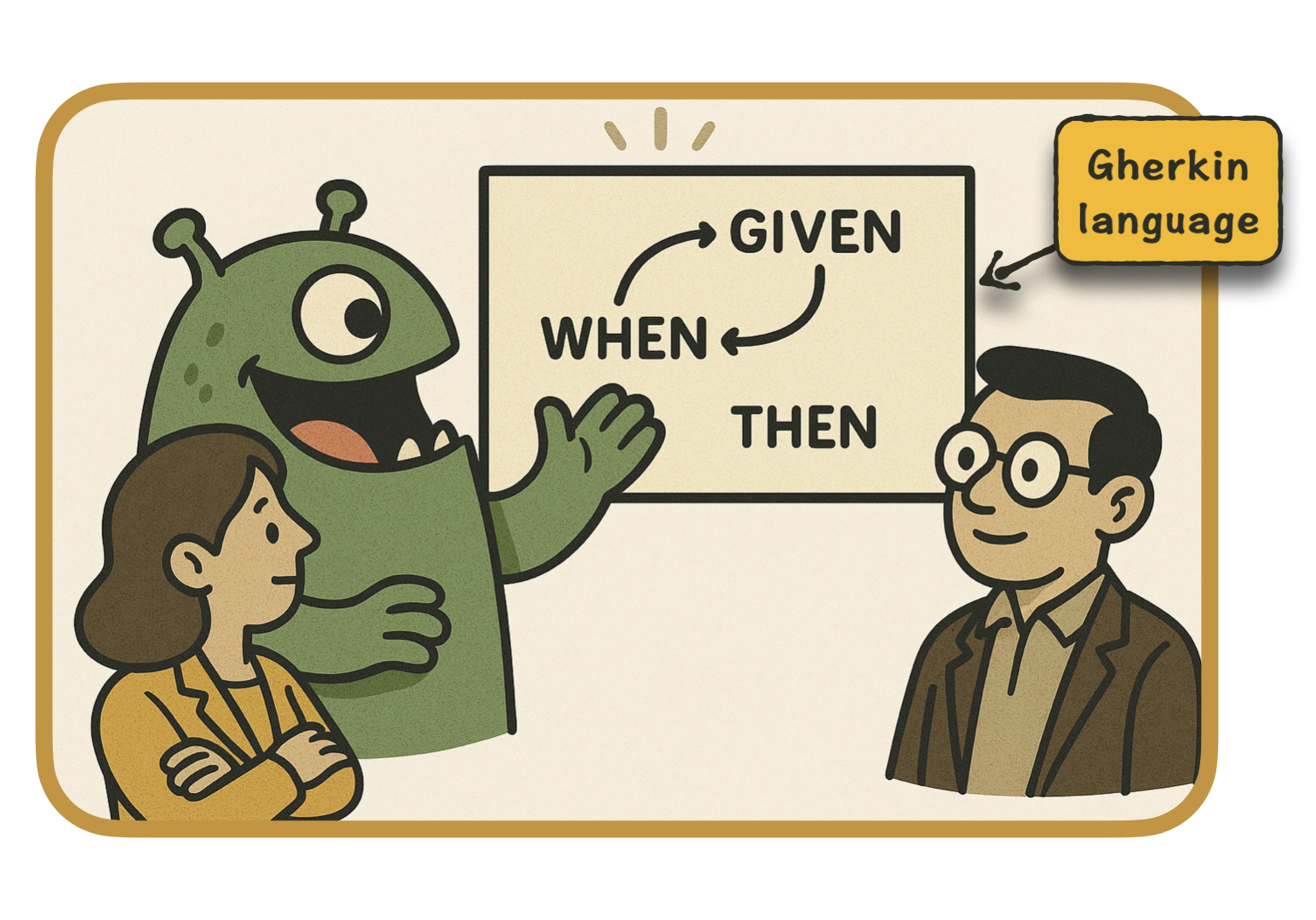
Installing a BDD plugin handles only the automation part. The discussion that exposes a missing rule still needs to happen.
Build your Python test automation skills, from testing fundamentals to advanced pytest techniques. Enroll now.
View course02 / BDD AND TDD
BDD and TDD answer connected questions.
For this inventory example, TDD helped us shape a small public operation: reserve(quantity). BDD gives the team a way to challenge the rule behind that operation.
| Question | TDD contribution | BDD contribution |
|---|---|---|
| What should happen next? | Express the next observable behavior as a failing test | Agree on the behavior through concrete examples |
| Who uses the example? | Usually the developers changing the code | People bringing product, development, and testing perspectives |
| What drives implementation? | A short red-green-refactor cycle | Agreed outcomes that can become executable specifications |
| How is it expressed? | Tests in the project’s testing tools | Shared language, optionally recorded in Gherkin |
| Which test level applies? | The boundary that gives useful feedback | The boundary that can demonstrate the agreed outcome |
“Developer perspective” and “user perspective” can be useful shorthand for the starting conversations. They are not restrictions on what a test can observe. The TDD tests already protect behavior through reserve and available; they don’t assert calls to a private validation helper.
Here, a test boundary means the part of the system we exercise and observe. We’ll call Inventory.reserve() and check the outcome and available value. That boundary does not include a browser or HTTP endpoint.
BDD does not require a browser. A business rule can often be demonstrated through a domain operation or an API. The test level and the development practice are separate decisions.
A useful workflow combines an outer conversation about the required outcome with inner TDD cycles. Agree on an example, automate it at a suitable boundary, and use smaller tests where they help implement or diagnose the behavior. Return to the conversation when an example exposes an unanswered question.
Agree on what the example means before making it pass.
03 / DISCOVER THE RULES
Turn “reserve seats” into decisions the team can review.
Start with a small user story: “As a customer, I want to reserve available seats so that I can attend the event.”
That sentence explains intent. It leaves several decisions open. For example, if three seats remain and a customer requests five, should we reject the request or reserve the three that are available?
The TDD implementation chose all-or-nothing reservation. Make that choice explicit before writing a feature file. A short discovery session should bring product, development, and testing perspectives into the same discussion, sometimes called the Three Amigos. These are perspectives to cover, not a requirement to invite exactly three people.
A lightweight example map can keep four things separate:
- Story: customers reserve seats.
- Rules: quantities must be positive, requests cannot exceed availability, and rejection preserves the remaining seats.
- Examples: specific quantities that demonstrate each rule.
- Questions: partial fulfillment, cancellation, simultaneous requests, or other behavior the story has not settled.
For this tutorial, the agreed examples are:
| Available before | Requested | Expected decision | Available after |
|---|---|---|---|
| 3 | 2 | Accept | 1 |
| 3 | 3 | Accept the last seats | 0 |
| 2 | 3 | Reject: not enough seats | 2 |
| 0 | 1 | Reject: not enough seats | 0 |
| 3 | 0 | Reject: quantity must be positive | 3 |
| 3 | -1 | Reject: quantity must be positive | 3 |
The first row is the original TDD success case. The second tests equality at the availability boundary. The rejection rows agree on two outcomes: the request fails for a specific reason, and the remaining inventory stays intact.
Add one short history: a customer reserves two of three seats, a request for two more is rejected, and a later request for the last seat succeeds. That example makes it harder to overlook state left behind by a failed request.
Our scope is a sequence of calls to an in-memory inventory. We have not agreed on database locking, payment, cancellation, or what an HTTP client receives. Concurrent reservations need a persistence and concurrency design with its own tests. These scenarios cannot establish those guarantees.
The discovery work is useful even if the team ultimately records the answers in ordinary pytest tests. For a broader approach to building this shared habit, see onboarding a Python team to testing.
04 / SET UP THE EXAMPLE
Get the complete companion project running.
The walkthrough uses the runnable BDD companion project on GitHub. It includes the inventory, the four original pytest cases, the Gherkin examples, their Python step definitions, and locked dependencies. We’ll read those files in the next sections.
You’ll need Git, Python 3.13 or newer, and uv installed. With those tools available, get the project and enter the example directory:
git clone --branch master --single-branch https://github.com/artem-istranin/istranin-dev-code-examples.git
cd istranin-dev-code-examples/behavior-driven-development-python-pytest-bdd
uv sync --locked
uv run pytest -v
uv sync --locked installs the dependencies recorded in uv.lock. uv run executes pytest in that project’s environment. The -v option shows each case by name.
The complete suite should report 11 passing cases. It’s fine if the scenario names are unfamiliar at this point; we’ll trace how they become tests below. Keep your terminal in this example directory for the remaining commands.
The tested lockfile uses pytest 8.4.2 and pytest-bdd 8.1.0. This combination avoids fixture-registration deprecation warnings observed with pytest-bdd 8.1.0 and pytest 9.1.1.
The project layout is:
behavior-driven-development-python-pytest-bdd/
  inventory.py
  tests/
    features/
      reservations.feature
    test_inventory.py
    test_reservations.py
  pyproject.toml
  uv.lock
The included pyproject.toml tells pytest to look in tests/ and makes the root-level inventory.py importable:
[tool.pytest.ini_options]
testpaths = ["tests"]
pythonpath = ["."]
addopts = "--strict-config --strict-markers"
Open inventory.py. Its implementation is unchanged from the completed TDD example:
class OutOfStockError(Exception):
    """Report that a reservation exceeds the remaining inventory."""


class Inventory:
    """Track available seats and protect reservation boundaries."""

    def __init__(self, available: int) -> None:
        """Create inventory with the supplied number of available seats."""
        self.available = available

    def reserve(self, quantity: int) -> None:
        """Reserve a positive quantity without allowing overselling."""
        self._validate_reservation(quantity)
        self.available -= quantity

    def _validate_reservation(self, quantity: int) -> None:
        if quantity <= 0:
            raise ValueError('quantity must be positive')
        if quantity > self.available:
            raise OutOfStockError('not enough seats')
There is no BDD-specific code in this implementation. It still validates before changing availability. The examples will call the same public method that the original tests use.
For this deliberately small exercise, a self-contained copy keeps the two article projects runnable independently. A production project would normally keep one implementation and run its different test groups against it.
05 / WRITE GHERKIN
Describe the context, action, and observable result.
Gherkin is a structured language for examples. In the Gherkin reference, a scenario describes an example through steps:
- Given establishes the relevant starting context.
- When describes the action or event.
- Then describes an observable outcome.
- And continues the preceding kind of step.
A Feature groups related behavior. A Scenario describes one concrete example. A Scenario Outline repeats the same steps with different values: each row in its Examples table becomes a separate case. The placeholders in angle brackets take their values from that row.
For a rejected reservation, “not enough seats” is an outcome people can discuss. The Python exception used to implement that outcome belongs in a step definition, the Python function attached to a step’s sentence. The feature file can keep the booking vocabulary.
Each scenario gets its own inventory. Steps within that scenario share the inventory, so they can describe a sequence without depending on another test.
Open the included tests/features/reservations.feature:
Feature: Reserve seats without overselling
  Customers can reserve available seats.
  Rejected requests leave the remaining seats available to other customers.

  Scenario Outline: Reserve a quantity that is available
    Given a booking has <available> seats available
    When a customer requests <quantity> seats
    Then the reservation is accepted
    And <remaining> seats remain available

    Examples:
      | available | quantity | remaining |
      | 3         | 2        | 1         |
      | 3         | 3        | 0         |

  Scenario Outline: Reject a request that exceeds availability
    Given a booking has <available> seats available
    When a customer requests <quantity> seats
    Then the reservation is rejected because there are not enough seats
    And <available> seats remain available

    Examples:
      | available | quantity |
      | 2         | 3        |
      | 0         | 1        |

  Scenario Outline: Reject a quantity that is not positive
    Given a booking has 3 seats available
    When a customer requests <quantity> seats
    Then the reservation is rejected because the quantity must be positive
    And 3 seats remain available

    Examples:
      | quantity |
      | 0        |
      | -1       |

  Scenario: A later customer can reserve seats after a rejected request
    Given a booking has 3 seats available
    And an earlier customer has reserved 2 seats
    When a customer requests 2 seats
    Then the reservation is rejected because there are not enough seats
    And 1 seats remain available
    When a customer requests 1 seats
    Then the reservation is accepted
    And 0 seats remain available
The three outlines each have two rows, giving us six cases. Keep different rules in separate outlines so a failed example still tells you which promise broke.
The last scenario deliberately checks a short sequence on one inventory. It demonstrates recovery after rejection. It does not depend on another scenario running first.
You don’t need a feature file for every possible input combination. Include examples that make a rule or boundary understandable. Additional technical combinations can stay in parametrized pytest tests.
06 / CONNECT THE STEPS
Keep the Python step definitions thin.
pytest-bdd connects Gherkin steps to Python functions. The @given, @when, and @then decorators attach each function to a sentence pattern. You don’t call these functions yourself; pytest-bdd runs them in the scenario’s order.
A fixture supplies a named value to a test or step. Here, target_fixture="inventory" exposes the Given function’s returned object under the name inventory. A later function receives that object by declaring an inventory parameter. The available and quantity parameters instead come from numbers captured in the step text.
The request step returns the expected rejection exception, or None for success, under the fixture name reservation_error. A later Then step can check that result. In the type annotations, OutOfStockError | ValueError | None lists those possible return values.
Open tests/test_reservations.py and follow the same order as the feature file: create inventory, request seats, then check the result.
"""Connect agreed reservation examples to the inventory's public interface."""

from pytest_bdd import given, parsers, scenarios, then, when

from inventory import Inventory, OutOfStockError

scenarios("features/reservations.feature")


@given(parsers.parse("a booking has {available:d} seats available"), target_fixture="inventory")
def available_inventory(available: int) -> Inventory:
    """Give each scenario its own available seats."""
    return Inventory(available=available)


@given(parsers.parse("an earlier customer has reserved {quantity:d} seats"))
def earlier_reservation(inventory: Inventory, quantity: int) -> None:
    """Establish prior booking history through the same public operation."""
    inventory.reserve(quantity)


@when(parsers.parse("a customer requests {quantity:d} seats"), target_fixture="reservation_error")
def request_seats(inventory: Inventory, quantity: int) -> OutOfStockError | ValueError | None:
    """Capture expected rejections; unexpected errors still fail the scenario."""
    try:
        inventory.reserve(quantity)
    except (OutOfStockError, ValueError) as error:
        return error
    return None


@then("the reservation is accepted")
def reservation_accepted(reservation_error: OutOfStockError | ValueError | None) -> None:
    """An accepted request has no domain rejection."""
    assert reservation_error is None


@then("the reservation is rejected because there are not enough seats")
def insufficient_seats(reservation_error: OutOfStockError | ValueError | None) -> None:
    """Rejection communicates the availability boundary."""
    assert isinstance(reservation_error, OutOfStockError)


@then("the reservation is rejected because the quantity must be positive")
def invalid_quantity(reservation_error: OutOfStockError | ValueError | None) -> None:
    """Rejection communicates the positive-quantity requirement."""
    assert isinstance(reservation_error, ValueError)


@then(parsers.parse("{remaining:d} seats remain available"))
def remaining_seats(inventory: Inventory, remaining: int) -> None:
    """Observe remaining stock after both accepted and rejected requests."""
    assert inventory.available == remaining
scenarios("features/reservations.feature") binds the scenarios to pytest tests. In this layout the feature path is relative to the test module. Pytest collects the Python test module, which loads the feature file; a feature file sitting on disk does not run by itself.
parsers.parse matches the step text and extracts values. The :d fields convert the matched numbers to integers, including the negative quantity in the examples table.
For the first Examples row, the Given step creates Inventory(available=3). The When step calls reserve(2). The Then steps check that the request succeeded and that one seat remains. That’s the same behavior as the first TDD test, expressed through sentences the team can review.
Keep this inventory local to each scenario. A module-level dictionary or a mutable fixture shared for the whole test run can make a scenario depend on what ran before it.
The When step calls the real reserve operation. Catching only the two expected rejection types lets us assert rejection as an outcome. An unexpected exception still fails the test immediately.
When the final scenario requests seats a second time, the When step supplies a new result. The accepted assertion therefore checks the latest request rather than reusing the earlier rejection.
The Then steps check both the decision and the remaining inventory. If the implementation subtracted seats before raising an exception, the rejection assertion could pass while the availability assertion failed.
Keep the business rules out of these bindings. A step that calculates expected availability using the same algorithm as the implementation risks duplicating the same mistake. Here, the expected result comes from the agreed example table.
07 / READ THE RESULTS
A passing scenario needs a clear interpretation.
Run both groups from the example directory:
uv run pytest -v
This command runs the complete pytest suite. It reports 11 passing cases: four original pytest cases, six cases expanded from the three outlines, and the final sequence scenario.
To focus on just the BDD layer:
uv run pytest tests/test_reservations.py -v
All seven BDD cases already pass against the completed inventory. That is expected: we are making existing behavior explicit. This step does not demonstrate a new requirement being developed test-first.
For a future rule, agree on its example before changing production code. Run the automated example and inspect the failure. A missing step definition or broken import means the test is not reaching the behavior yet. Once it reaches the intended boundary, a failing expectation can guide the next implementation change.
You can check the value of the equality example with a temporary regression. In inventory.py, change:
if quantity > self.available:
to:
if quantity >= self.available:
Run the BDD test file again. The exact-availability row and the later-customer scenario fail because the changed guard rejects valid requests for the last seats. You should see 2 failed and 5 passed, as verified in a separate temporary copy of the project.
Restore > and rerun uv run pytest -v. This exercise shows that the boundary scenarios can detect a meaningful defect. It is a controlled regression check, not a reason to keep deliberately broken code or describe an already-working rule as a new TDD cycle.
The green suite establishes the listed domain examples. It does not verify a booking page, an HTTP response, or transaction safety. Add tests at those boundaries when the feature includes them.
08 / USE BDD DELIBERATELY
Keep the scenarios worth reviewing.
BDD earns its maintenance cost when an example helps people resolve an ambiguous requirement or review a changing business rule. Eligibility, booking policies, permissions, and pricing rules often create useful conversations. Start with one rule whose interpretation could otherwise differ between roles.
Feature files also create work. Step definitions need maintenance, similar sentences can become ambiguous, and scenarios can drift away from the decisions they were supposed to capture. Review the scenario and implementation together when a rule changes.
Does BDD replace unit tests?
No. The original pytest cases remain in this companion project so you can compare the same behavior in two forms. That overlap serves the tutorial. In an application, choose tests by the promise each one protects rather than translating every unit test into Gherkin.
A few representative acceptance examples can describe a rule while ordinary pytest tests cover additional technical boundaries cheaply. Avoid repeating the entire input matrix through both layers without a clear reason.
Do you need Gherkin or Cucumber to practice BDD?
No. The collaboration and concrete examples are the starting point. Gherkin helps when the people responsible for the requirements can read and review it. Cucumber and pytest-bdd are tools for connecting examples to executable checks.
If only developers read a feature file and it repeats a clear Python test, discuss whether that extra representation is helping. An ordinary test with a good name may be easier to maintain.
Why use pytest-bdd instead of Behave?
This example already has a pytest suite, so pytest-bdd lets the scenarios run through the same test command and fixture system. Behave is another Python BDD framework with its own runner and conventions. The existing project’s tools and the team’s review workflow should guide the choice; neither tool supplies the discovery conversation.
What makes a scenario brittle?
A scenario becomes brittle when it describes incidental mechanics: clicking a specific element, calling a private helper, or inspecting a dictionary key that users never observe. Prefer the meaningful operation and outcome, such as requesting seats and observing the remaining availability.
Use browser-level details when those interactions are themselves the behavior under test. A domain-level reservation scenario can stay independent of the interface that eventually exposes it.
For your next change, bring one ambiguous rule to a short discussion. Write one normal example, one boundary example, and one rejection example. Agree on the outcomes, automate them at the cheapest boundary that can prove the rule, and use TDD where smaller tests help you implement it.
More field notes
Keep reading.
Test-Driven Development in Python with pytest: A Practical Guide
Use pytest to practice red-green-refactor on a realistic inventory rule. Write each failing test first, add only enough code, and refactor safely.
Test-driven developmentpytestHow to Onboard a Python Team to Testing with Pytest
Learn how a 15-developer Python team used shared practice, legacy-code pinch points, and CI to turn pytest into an everyday engineering habit.
pytestPython testingPython Unit Testing Best Practices: 10 pytest Rules That Scale
Write Python unit tests that survive refactoring. Use pytest to protect behavior, choose useful cases, control dependencies, and keep the suite fast.
Python unit testingpytest