Test-Driven Development in Python with pytest: A Practical Guide
Build a seat-reservation rule one failing test at a time. Use pytest to see what is missing, protect rejected requests, and refactor with 4 passing cases.
Article summary
TL;DR
- Build a seat-reservation rule through small cycles: write a failing test, add the behavior, then review the design.
- Read each failure before changing the code. An import error and a wrong result need different fixes.
- Check what remains after a rejected operation, as well as which error it raises.
- Keep tests focused on results callers depend on, so you can reorganize the implementation without rewriting the tests.
- Use TDD when the next expected result is clear. Explore uncertain behavior first, then choose a test that can reveal the relevant failure.
Code for this article
Open the repository to follow along.
artem-istranin/istranin-dev-code-examples01 / WHY TDD
Start with the next thing the code should do.
A booking service has 3 seats left. A customer reserves 2, so 1 should remain. A request for more seats than are available should fail without changing that count.
Those examples give us a useful starting point for test-driven development in Python. We can describe each result in a test before deciding how to implement it.
Test-driven development (TDD) is a way to build software in small steps: write a test for the next behavior, watch it fail, add enough code to make it pass, then improve the code while the tests stay green. That cycle is called red-green-refactor.
In this pytest tutorial, we will build a small Inventory class around the reservation rule. By the end, 4 test cases will check a successful booking, an oversized request, zero, and a negative quantity. We will also deliberately break a rejection path to see why checking the error alone is not enough.
You need basic Python functions, classes, and imports. If assertions or running tests are unfamiliar, start with your first Python test with pytest.
The example stores a seat count in memory. It assumes a valid starting count and integer requests. A real booking system also needs to handle simultaneous requests and persistent storage; these tests do not cover those responsibilities. Keeping the example small lets us follow each change and explain why its test matters.
02 / THE LOOP AND SETUP
Make each red-green-refactor cycle easy to follow.
Each stage answers a different question:
- Red: What should happen next, and can the new test detect that it does not happen yet?
- Green: What small change makes that example work?
- Refactor: Can we make the code clearer without changing its behavior?
Then choose the next example and repeat. Green means the cases we tested pass. It does not mean we have finished every requirement.
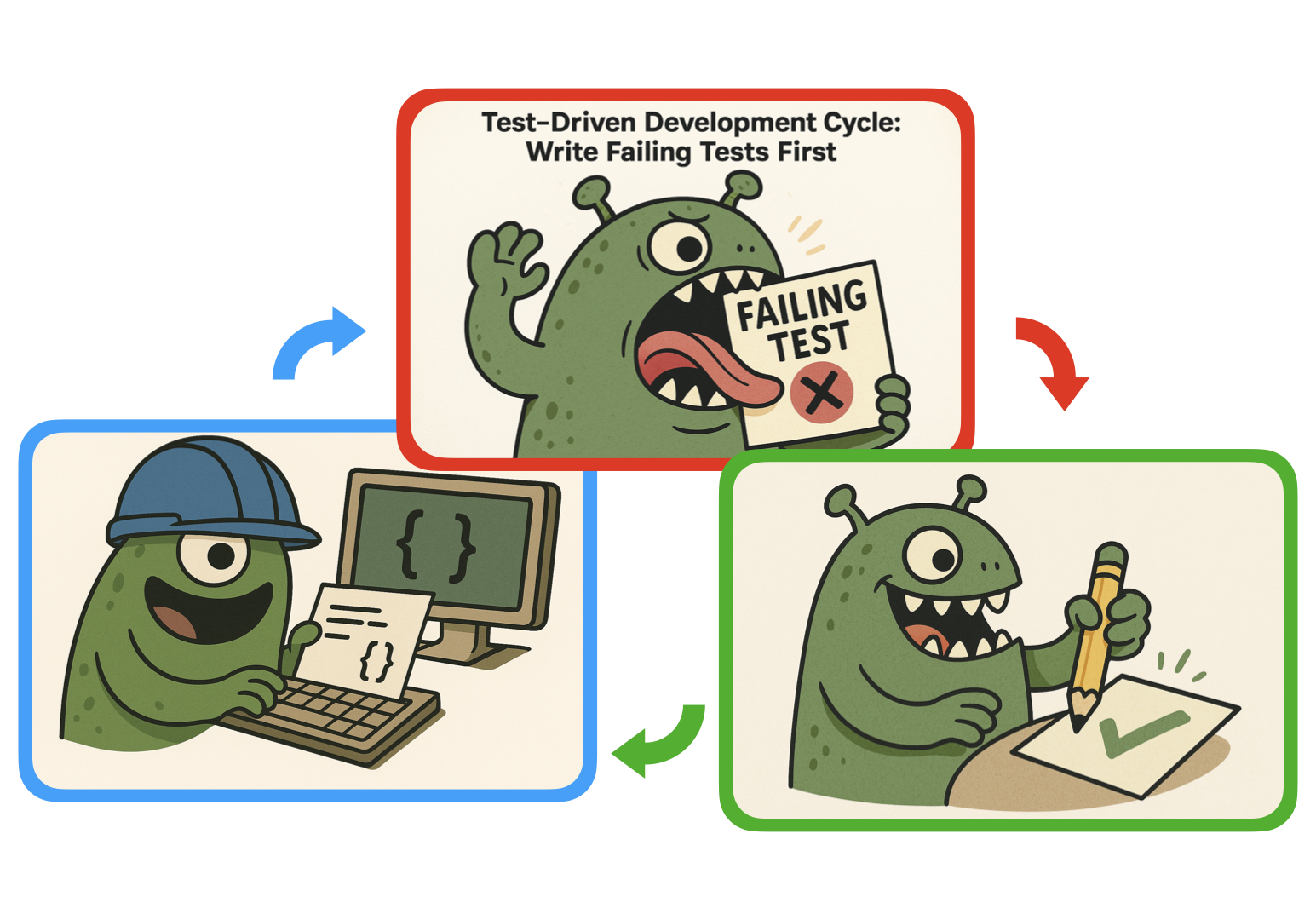
Writing the test first helps us decide what a caller should be able to do. Here, that means creating an inventory, reserving seats, and reading the remaining count. We can postpone decisions about databases and web endpoints.
Prepare a separate practice folder
Use Git, Python 3.13 or newer, and uv. uv manages the Python environment and dependencies. This walkthrough was checked with Python 3.13.12 and pytest 9.1.1.
Clone the companion and enter this article’s example:
git clone https://github.com/artem-istranin/istranin-dev-code-examples.git
cd istranin-dev-code-examples/test-driven-development-python-pytest
uv sync --locked
uv run pytest test_inventory.py -v
If you already cloned the repository, open that example directory and run the last 2 commands. uv sync --locked installs the dependencies recorded by the project and checks that its lockfile is current.
The companion contains the finished implementation. The test command reports 4 passed. That gives us a result to work toward; running finished code is not itself a TDD exercise.
Create a separate folder for the walkthrough:
mkdir walkthrough
cd walkthrough
Create empty inventory.py and test_inventory.py files there in your editor. Keep your terminal in walkthrough until the final section. We will edit only these new files, leaving the finished companion available for comparison.
uv run finds the project in the parent directory and uses its environment. Our test commands name the file in the current folder, so they run the practice tests. python -m pytest also makes that folder available for Python imports. You do not need to activate an environment.
We now have the tools ready and a clear first requirement: reserving 2 of 3 seats should leave 1.
Practice this testing workflow with guided examples in the Pytest course.
View course03 / FIRST RED TEST
Write the reservation test before its implementation.
Yes, BEFORE writing the reservation code! Our first step is to write a failing test. Keep reading - we’ll make it pass next.
Put this code in walkthrough/test_inventory.py:
from inventory import Inventory


def test_reserving_seats_reduces_available_quantity():
    inventory = Inventory(available=3)

    inventory.reserve(2)

    assert inventory.available == 1
The test creates a starting state, performs an action, and checks the result. Its expected count comes from the booking rule: 3 minus 2 leaves 1.
Run it from walkthrough:
uv run python -m pytest test_inventory.py -v
pytest reports an import error because inventory.py is empty and has no Inventory class. We have identified the missing interface, but the reservation assertion has not run yet.
Add this starting implementation to walkthrough/inventory.py:
class Inventory:
    def __init__(self, available: int) -> None:
        self.available = available

    def reserve(self, quantity: int) -> None:
        pass
The constructor records the starting count. reserve deliberately does nothing: pass is Python’s placeholder for an empty body. The type hints describe the intended inputs; they do not validate them at runtime.
Run the same command again. This time pytest reaches the assertion and reports 1 failed. The relevant line is:
E assert 3 == 1
The inventory still contains 3 seats because reserve(2) did nothing. That is the missing behavior we wanted the test to detect.
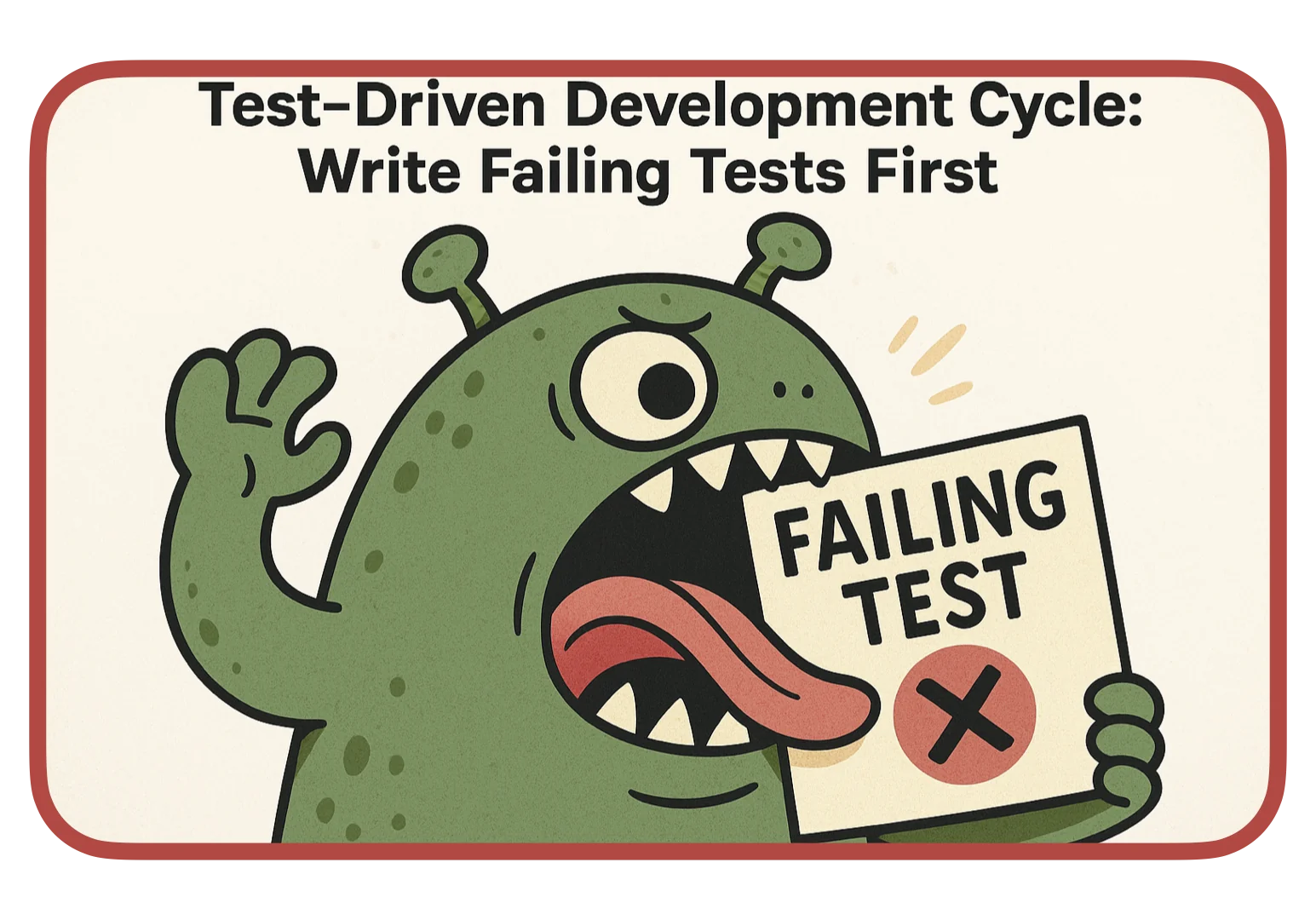
Compare the 2 failures. The import error told us the class was missing. The failed assertion tells us the class can be used, but reserving seats does not yet reduce availability. A wrong filename or working directory would need a setup fix before either result was useful.
Read the failure before changing the implementation. It should show the missing behavior you meant to test, not an unrelated setup problem.
We have written an example, run it, and seen it fail for the expected reason. Now we can make a small change and see whether it fixes that specific problem.
04 / MAKE IT GREEN
Make the reservation reduce the seat count.
In walkthrough/inventory.py, replace only the reserve method:
    def reserve(self, quantity: int) -> None:
        self.available -= quantity
Keep the method indented inside Inventory and leave the constructor unchanged. -= subtracts the requested quantity from the stored count.
Run the test again:
uv run python -m pytest test_inventory.py -v
The result is 1 passed. This time, reserving 2 seats changes availability from 3 to 1, so the assertion agrees with the requirement.
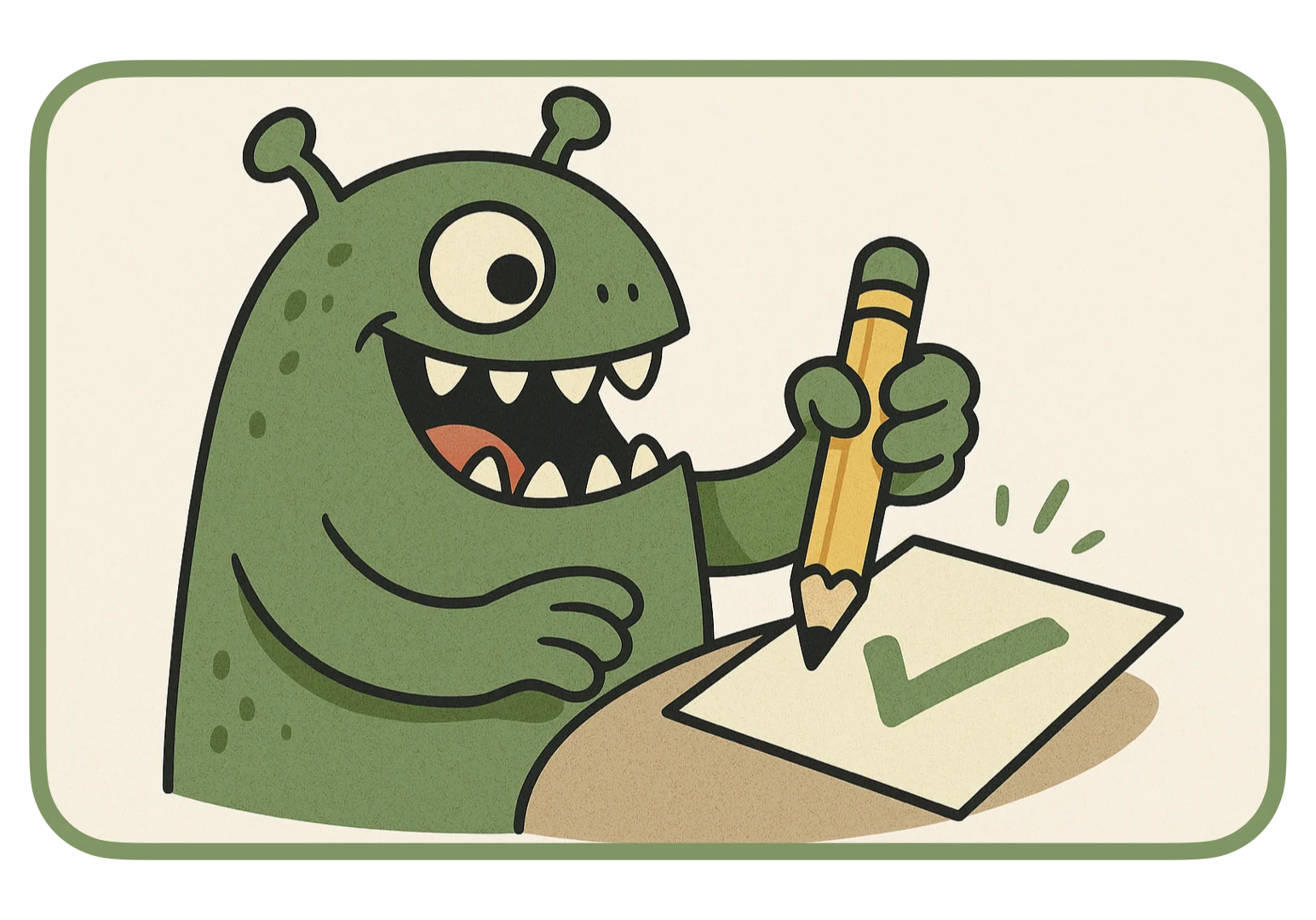
This is the green stage. We implemented the subtraction rule and have evidence for our first example. We have not tested rejection yet.
Pause to read the method and test together. Both are short and clear, so there is no useful refactor to make now. TDD includes a chance to improve the design; it does not require a structural change after every passing test.
The next requirement is different: a request must not exceed the available seats. We will express that in a new test before adding its validation.
05 / REJECT INVALID REQUESTS
Reject a request without losing seats.
An oversized reservation has 2 expected results: it raises an error, and the seat count stays unchanged. We need to check both.
Add the rejection test
We will use OutOfStockError to identify a request that exceeds availability. Add this exception class above Inventory in walkthrough/inventory.py. Leave the existing reservation method unchanged:
class OutOfStockError(Exception):
    pass
In walkthrough/test_inventory.py, replace the existing import line with:
import pytest

from inventory import Inventory, OutOfStockError
Keep the first test and append:
def test_reserving_more_than_available_is_rejected():
    inventory = Inventory(available=2)

    with pytest.raises(OutOfStockError, match="not enough seats"):
        inventory.reserve(3)

    assert inventory.available == 2
pytest.raises checks that the enclosed call raises the expected exception. match checks its message using a regular expression; our plain phrase is enough here. After the expected exception is caught, execution continues to the final assertion.
Run the file:
uv run python -m pytest test_inventory.py -v
The result is 1 failed, 1 passed. The new test reports DID NOT RAISE: the subtraction runs, but nothing rejects the request. Defining the exception gave us a name to test for; it did not implement the rule.
Replace reserve with this version:
    def reserve(self, quantity: int) -> None:
        if quantity > self.available:
            raise OutOfStockError("not enough seats")
        self.available -= quantity
Run the file again. Both tests pass. For 2 available seats and a request for 3, the check raises before the subtraction. The assertion confirms that 2 seats remain.
Prove why the remaining count matters
Let’s introduce a mistake on purpose. In the method above, add a subtraction inside the if block, immediately before raise:
    def reserve(self, quantity: int) -> None:
        if quantity > self.available:
            self.available -= quantity
            raise OutOfStockError("not enough seats")
        self.available -= quantity
Run the same test command. The result returns to 1 failed, 1 passed, but the failure has changed:
E assert -1 == 2
The correct exception was raised, so pytest.raises was satisfied. The final assertion caught the damage: the rejected request changed availability from 2 to -1. Without that assertion, this test would accept the broken behavior.
Remove only the subtraction inside the if block. Keep the subtraction after the block. Rerun the file and confirm 2 passed before continuing.
For an operation that changes data, ask what should remain true when it fails. An error type alone may not describe the whole promise.
Reject zero and negative quantities
The next rule is that a reservation quantity must be positive. Zero and negative quantities share the same expected response, so we can run 1 test with 2 inputs.
Append this test to walkthrough/test_inventory.py:
@pytest.mark.parametrize("quantity", [0, -1], ids=["zero", "negative"])
def test_non_positive_quantity_is_rejected(quantity: int):
    inventory = Inventory(available=3)

    with pytest.raises(ValueError, match="quantity must be positive"):
        inventory.reserve(quantity)

    assert inventory.available == 3
Parametrization runs the function once with quantity=0 and once with quantity=-1. The ids list labels those runs in the report.
Run the file again:
uv run python -m pytest test_inventory.py -v
The result is 2 failed, 2 passed. Neither new case raises ValueError yet. Add the positive-quantity check at the start of reserve, before the existing availability check:
    def reserve(self, quantity: int) -> None:
        if quantity <= 0:
            raise ValueError("quantity must be positive")
        if quantity > self.available:
            raise OutOfStockError("not enough seats")
        self.available -= quantity
Rerun the same command. All 4 cases pass. We now check an ordinary reservation, an oversized request, zero, and a negative quantity. Each new rule began with a failure we could explain.
06 / REFACTOR
Change the structure while keeping the results.
The method now checks 2 conditions before changing the count. We can make that sequence explicit by moving the checks into a helper. This is a small refactoring exercise; keeping the checks inline would also be reasonable.
Replace walkthrough/inventory.py with:
class OutOfStockError(Exception):
    pass


class Inventory:
    def __init__(self, available: int) -> None:
        self.available = available

    def reserve(self, quantity: int) -> None:
        self._validate_reservation(quantity)
        self.available -= quantity

    def _validate_reservation(self, quantity: int) -> None:
        if quantity <= 0:
            raise ValueError("quantity must be positive")
        if quantity > self.available:
            raise OutOfStockError("not enough seats")
The public method now reads as 2 steps: validate the request, then subtract the quantity. The helper’s leading underscore marks it as internal by convention.
Leave the test file unchanged and run:
uv run python -m pytest test_inventory.py -v
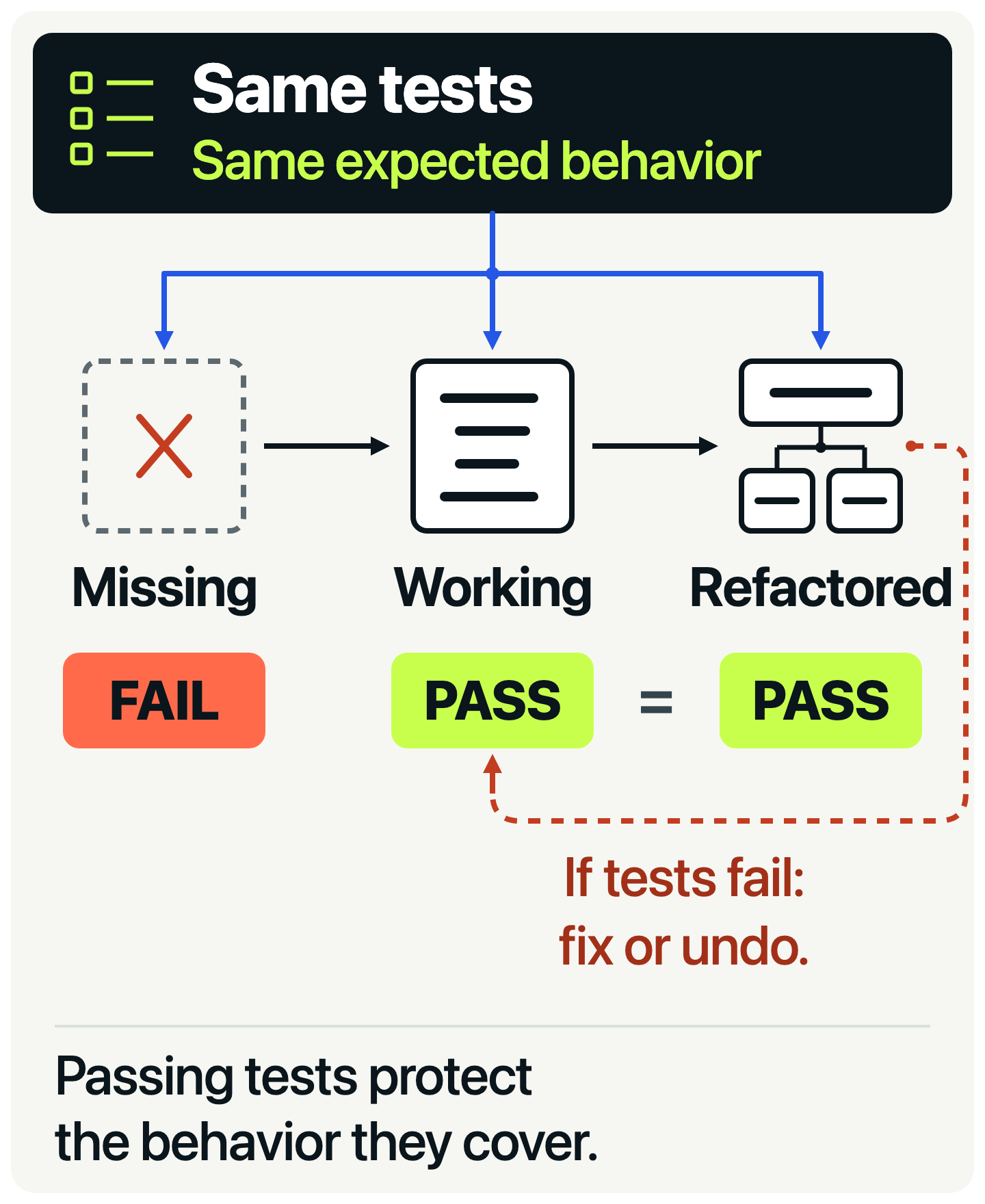
The result remains 4 passed. The checks moved, but successful and rejected reservations still produce the results our tests expect.
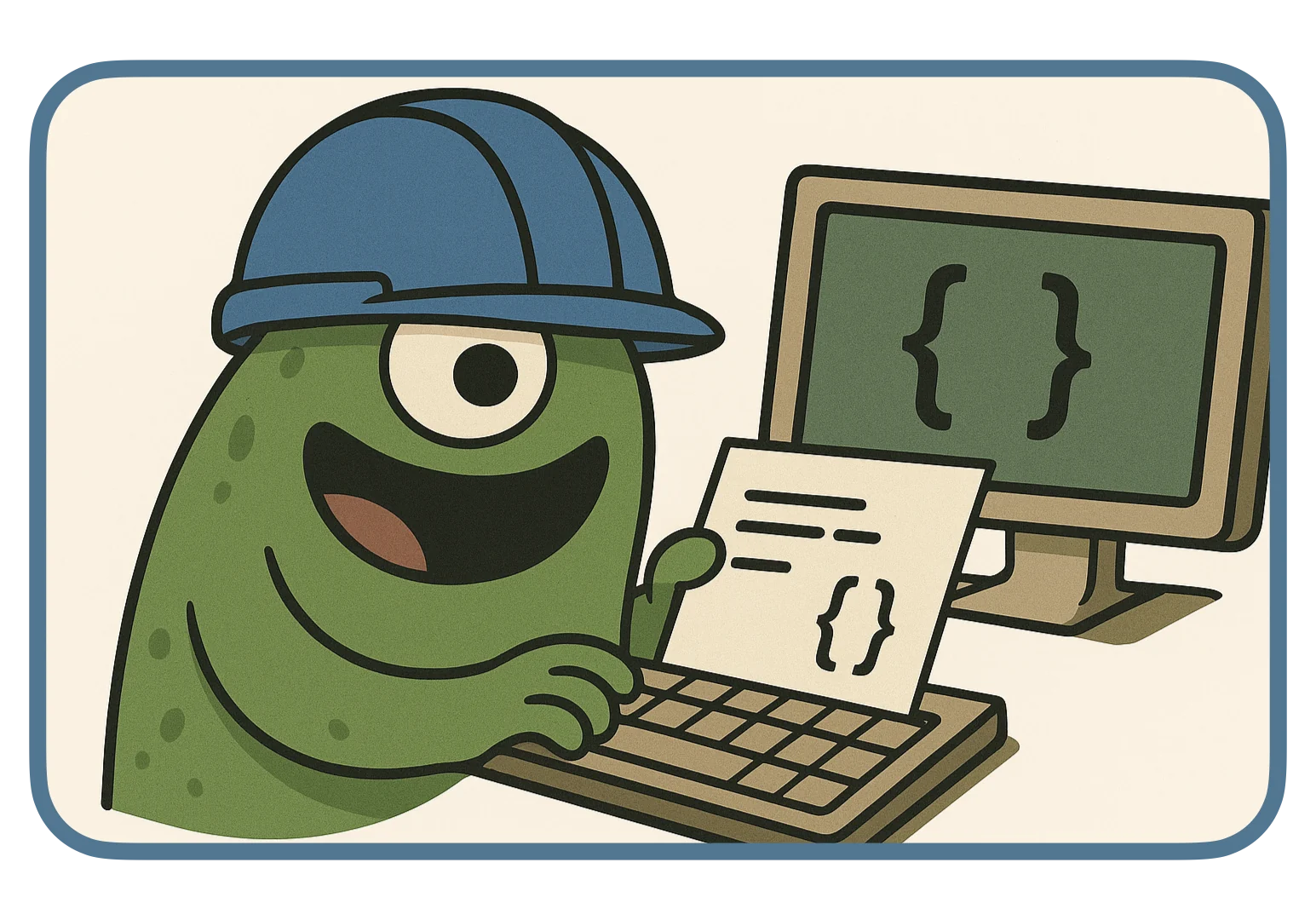
None of the tests calls _validate_reservation. They use reserve and inspect the remaining count. That lets us extract the helper, rename it, or put the checks back inline without changing what the tests ask.
This is the useful distinction when refactoring: preserve results callers depend on, while allowing the implementation to move. A test that required the helper to be called would make this freedom harder to use.
Our 4 cases provide evidence for the behaviors we chose, not proof for every input. For example, a request for exactly the remaining count would be a useful next case. We also have not tested repeated reservations or simultaneous bookings. Add those when they belong to the requirement you are implementing.
07 / TDD IN REAL PROJECTS
Common questions about TDD in real projects.
The inventory example works well for TDD because the rules are concrete and the tests run without external services. The same approach can help with calculations, validation, parsers, and bug fixes that have a reproducible example.
Start with a result that matters to a caller. For a bug fix, reproduce the reported problem in a test, run it against the broken code, and confirm the failure before making the repair. The test then becomes a regression test: it checks that the same behavior does not break again.
If you do not yet understand an external API or cannot reproduce a failure, investigate first. Once you know the expected result, write an example that captures it. TDD is easier to apply when the next decision is clear.
Is test-driven development worth it?
TDD is useful when a requirement can be expressed as a small example and the tests give quick feedback. Writing that example can expose an awkward interface before more code depends on it. Once the behavior works, the test also helps detect future regressions.
Tests need maintenance, and a slow suite makes frequent runs harder. Start with a small rule or a reproducible bug. When the requirement is still uncertain, investigate it before choosing an expected result.
What is the difference between TDD and unit testing?
Unit testing describes testing a small piece of behavior in isolation. TDD describes the order of development: a failing test guides the next implementation change. The inventory tests are unit tests, and we used them in a TDD cycle.
Writing unit tests after an implementation still provides useful checks. The additional evidence in this walkthrough came from seeing each new test fail before its behavior was added.
Should TDD use only unit tests?
No. Use a test that can detect the failure you care about. A small in-memory test suits our subtraction and validation rules. A database constraint or transaction needs a test that exercises the database behavior.
Keep the tests you run during each small change fast enough to use frequently. Add integration tests where real components must work together. Replacing every dependency with a mock can hide the very interaction you need to check.
Is test-driven development worth using on legacy code?
TDD can help with a legacy change once you have a reliable way to observe the behavior. Start by recording what the existing code does in a characterization test. Review that result against the requirement before treating it as behavior to preserve.
Then add a failing test for the intended change and make a small repair. You do not need to rewrite the surrounding application first.
See how to onboard a Python team to testing with pytest for a practical account of choosing useful boundaries in legacy code and introducing tests without a large rewrite.
Do you have to refactor after every passing test?
Review the code after it passes, but change the structure only when you can explain the benefit. In our first cycle, a subtraction needed no helper. Later, extracting validation made the sequence easier to read.
A new rule belongs in another test and implementation step. Refactoring changes structure while preserving existing behavior.
08 / YOUR NEXT CYCLE
Take the same loop to your next change.
We built the reservation rule through failures we could explain. We also saw an exception check pass while the operation still damaged the seat count. The extra state assertion caught that mistake, and the same tests stayed green after the refactor.
To compare your work with the finished companion, leave the practice folder and run its original suite:
cd ..
uv run pytest test_inventory.py -v
It also reports 4 passed. Your practice files remain in walkthrough for review. When you are done, you can delete that folder; it contains only the exercise files we created.
On your next change, choose 1 concrete example, write the test, and read its failure. Make it pass with a focused change. Run the related tests, then decide whether the code needs a refactor.
Continue with behavior-driven development in Python with pytest-bdd to keep this inventory and turn shared booking examples into executable scenarios.
Once that local loop is useful, the pytest and GitHub Actions guide shows how to run a suite automatically on pull requests.
Continue with the Pytest course to practice test design, fixtures, mocking, and automated test runs.
View courseMore field notes
Keep reading.
Python Unit Testing Best Practices: 10 pytest Rules
Write Python unit tests that survive refactoring. Use pytest to protect behavior, choose useful cases, control dependencies, and keep the suite fast.
Python unit testingpytestBehavior-Driven Development in Python with pytest-bdd
Learn behavior-driven development in Python by turning shared booking rules into Gherkin scenarios and executable tests with pytest-bdd.
Behavior-driven developmentpytest-bddGitHub Actions Python Testing: A Complete pytest CI Guide
Run pytest automatically on GitHub pull requests. Start with 5 local tests, add reports and checks for supported Python versions, then block failing merges.
pytestGitHub Actions